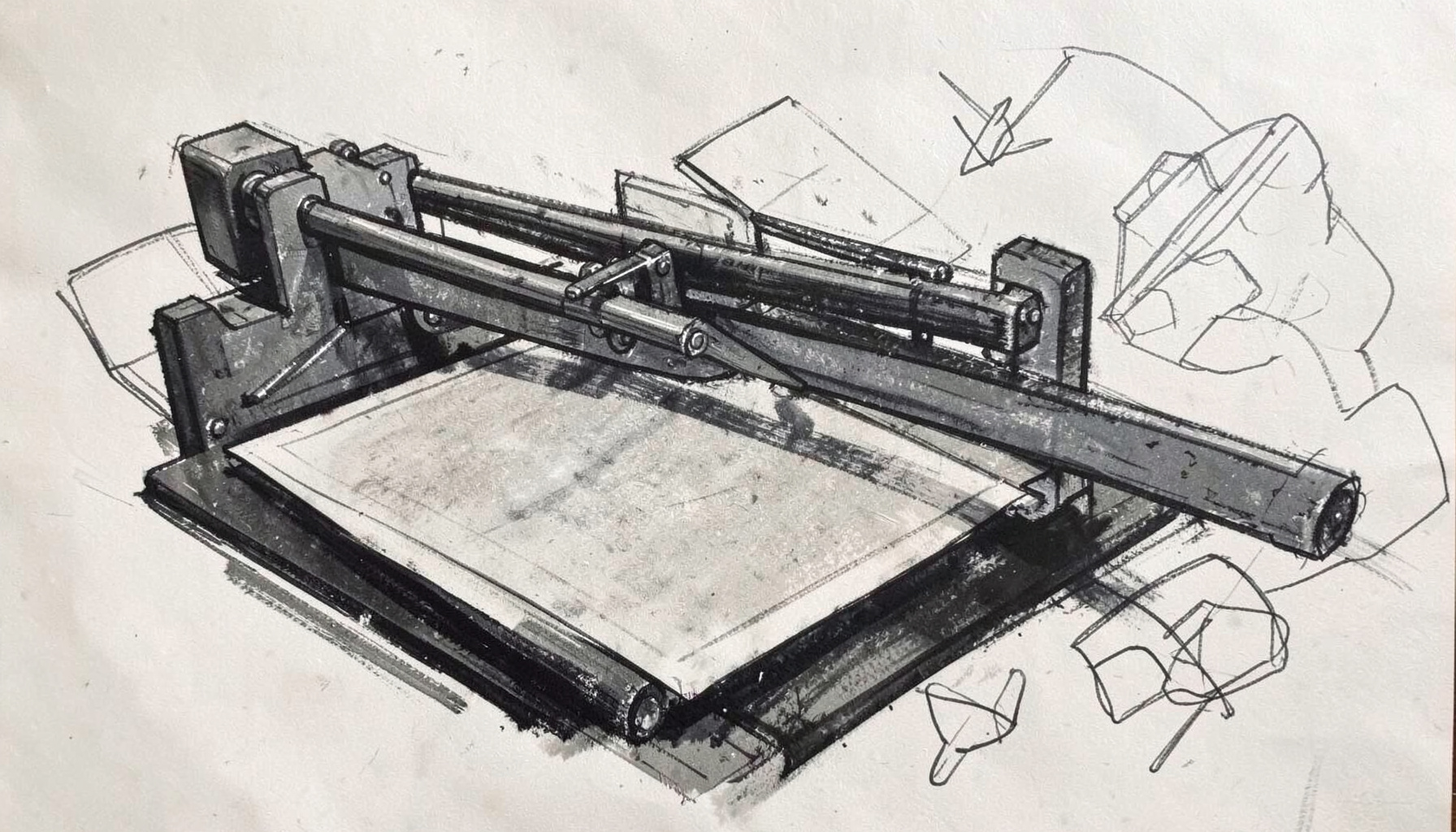
Inkscape and Plotters
Integrating pen plotters and cutting plotters with Inkscape through HPGL extensions — from serial connections to bundled releases.
The relationship between Inkscape and pen plotters is a fascinating intersection of modern open-source vector graphics and vintage hardware. Many hobbyists and makers enjoy reviving older plotters that originally communicated through serial connections, using HPGL as the common language. Extensions built for Inkscape allow users to prepare designs specifically for these devices, handling quirks like pen selection, velocity control, and coordinate scaling. The process often involves a bit of reverse engineering and tinkering, especially when adapting older hardware to contemporary operating systems. What starts as a simple curiosity can quickly become a deep rabbit hole of driver configuration, cable adapters, and calibration prints. The reward is watching a physical pen replicate a digital design with mechanical precision and charm.
Cutting plotters share a similar heritage with their pen-based cousins, but serve a very different purpose. Instead of drawing, they use a small blade to cut through materials like vinyl, paper, or cardstock. Inkscape extensions for cutting plotters translate vector paths into HPGL commands that control the blade's movement and pressure. This opens up possibilities for stickers, decals, stencils, and even custom circuit board masks. The community around these tools is active and resourceful, sharing extensions and configuration profiles for various plotter models. Getting the settings right often requires patience, as blade depth, offset, and speed all affect the final cut quality. It is a satisfying blend of software precision and physical craftsmanship.
The development of bundled HPGL extensions for Inkscape has made these plotters far more accessible than they once were. Early adopters had to piece together solutions from forum posts and scattered documentation, but now there are packaged releases that handle much of the complexity. These extensions typically add export options, preview features, and device-specific presets directly within Inkscape's interface. The result is a smoother workflow that lets creators focus on design rather than wrestling with low-level configuration. This kind of tool-building reflects a broader theme on this site: taking something niche or obscure and making it usable for a wider audience. It is the kind of project that appeals to anyone who enjoys both creating art and understanding how things work underneath.
Beyond the technical details, there is a particular aesthetic that emerges from plotter-generated artwork. The slight irregularities in line weight, the visible pen starts and stops, and the physical texture of ink on paper give these pieces a character that purely digital prints often lack. Many artists and designers deliberately incorporate these imperfections into their work, embracing the medium's limitations as part of the visual language. The resurgence of interest in plotters also connects to broader trends in maker culture and the appreciation for tangible, physical output in an increasingly screen-dominated world. Whether producing geometric patterns, typographic experiments, or reproductions of classic illustrations, the plotter offers a uniquely satisfying bridge between the virtual and the real.